

Have you ever launched a brand-new page, shared it in a chat, posted it on X, or dropped it into a social medium, only to watch it show up as a sad, empty text link with a broken gray box?
It happens to all of us. You spend days tweaking your landing page, getting your copy just right, and building a great offer. But the second someone shares your link, the internet has no idea what picture to show or what to say about it.
If your links look messy, people scrolling past will assume it is spam. In the online business world, presentation is everything.
The Secret is Open Graph Tags (Don’t Worry, It’s Easy)
Behind every good-looking shared link are things called Open Graph (OG) tags. They are just little lines of code that live in the header of your website. They tell platforms like Facebook, LinkedIn, Discord, and others:
- Hey, use this exact title.
- Here is a short, punchy description.
- Show this specific image when someone clicks share.
Without them, social media platforms just guess. And let us be honest, algorithms are terrible guessers. They will randomly pull a tiny favicon, an unrelated footer image, or your site navigation menu text.
Stop Coding Them by Hand
Years ago, you had to manually code these tags line by line into your HTML head section. If you missed a quote mark or spelled a property name wrong, it would not work.
You do not need to do that anymore.
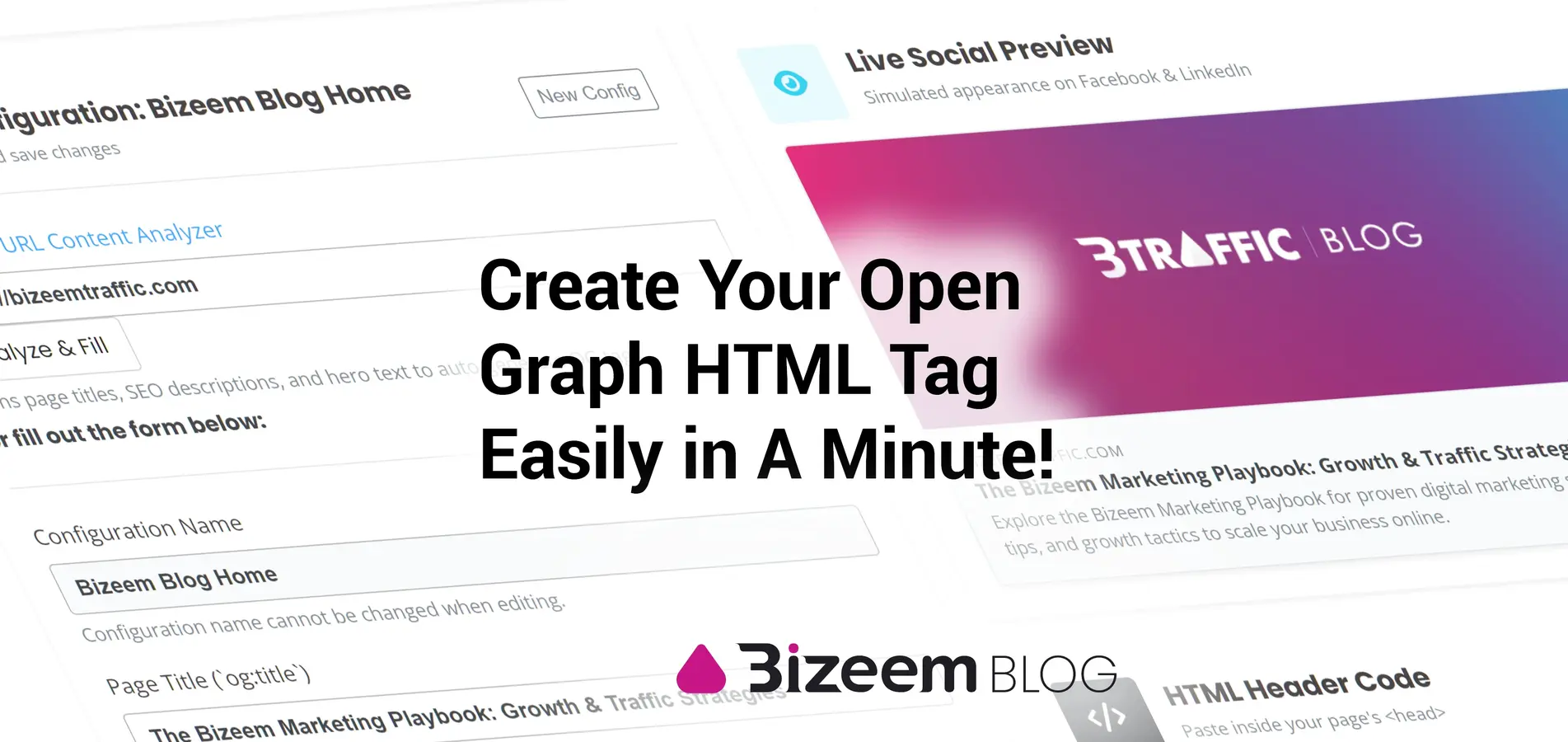
If you want your site or tools to look professional when shared, you can just plug your info into our free Bizeem Open Graph Generator. It builds all the meta and social tags for you instantly, meaning you can just copy, paste, and be done with it.
Quick Checklist Before You Share Your Next Link:
- Set a clear title: Keep it under 60 characters so it does not get cut off.
- Write a snappy description: Tell people why they should click in 2 sentences or less.
- Use a clean preview image: Make sure you have a graphic that looks great in a horizontal feed preview.
- Test it out: Drop your link into a social debugger tool to make sure the cache refreshes and looks crisp.
Do not let a missing image or a blank description rob you of clicks. Take two minutes, set up your tags, and make your business look like the pro operation it is!

Leave a Reply